
How to Add Jobs to FiveM

Jobs are how a roleplay server gives players a reason to log in tomorrow. Mechanically a job is four things: a definition, a grade ladder, a way to be hired, and work to do. The first three are configuration. The fourth is design, and it is the one that decides whether the job is used.
Defining the job
In QBCore, jobs live in qb-core/shared/jobs.lua, each with a label, a set of grades, and a payment value per grade. In ESX they live in the jobs and job_grades database tables with the same shape. Either way you are declaring a name, the grades within it, and what each grade earns.
The job name is the string every script will check against, it is case-sensitive, and changing it later means finding every reference. Pick it once and keep it lowercase and unpunctuated — mechanic, not Mechanic or car-mechanic.
Grades and gating
Grades exist so a job can have progression and so features can be restricted. A boss menu at grade 4, a vehicle spawner at grade 2, basic duties at grade 0.
The failure mode here is silent. A player on grade 0 who opens a grade-2 menu gets nothing — no message, no error — which is indistinguishable from a broken script. When you add a gate, add a rejection message with it. "You do not have permission" turns a support ticket into a player who understands the system.
Getting hired
Three common approaches, in increasing order of effort:
- A boss menu — an existing employee at a high grade hires and promotes. Best for player-driven servers, but requires someone to be online.
- A job centre — an NPC or terminal where players take entry-level jobs freely. Best for onboarding, and the fastest way to get a new player doing something.
- Admin-assigned — staff set jobs by command. Fine for whitelisted roles like police and EMS, unworkable as the only method.
Most servers end up with all three: a job centre for open work, boss menus for the businesses, admin assignment for whitelisted departments.
Designing work players return to
This is the part configuration cannot solve. A job that is one repeated action with a fixed payout is finished the first evening. The jobs that hold players share a few properties:
- A loop with variation — different locations, different cargo, different routes, so the tenth run is not identical to the first.
- Progression that changes what you do — not just a higher payout but access to a different vehicle, a longer route, a harder delivery.
- A reason to be near other players — a job that puts two players in the same place produces roleplay; a job in an empty field produces a spreadsheet.
- Honest pay — measured against your economy, not copied from another server's config. A job that pays double everything else becomes the only job.
Payment and the server economy
Every job you add is a money faucet. If payouts are set by copying whatever a script shipped with, your economy drifts within weeks and the fix — cutting pay after players have earned it — is far more unpopular than setting it low at the start. Decide what an hour of play should be worth on your server, then set every job against that number.
Adding several jobs at once
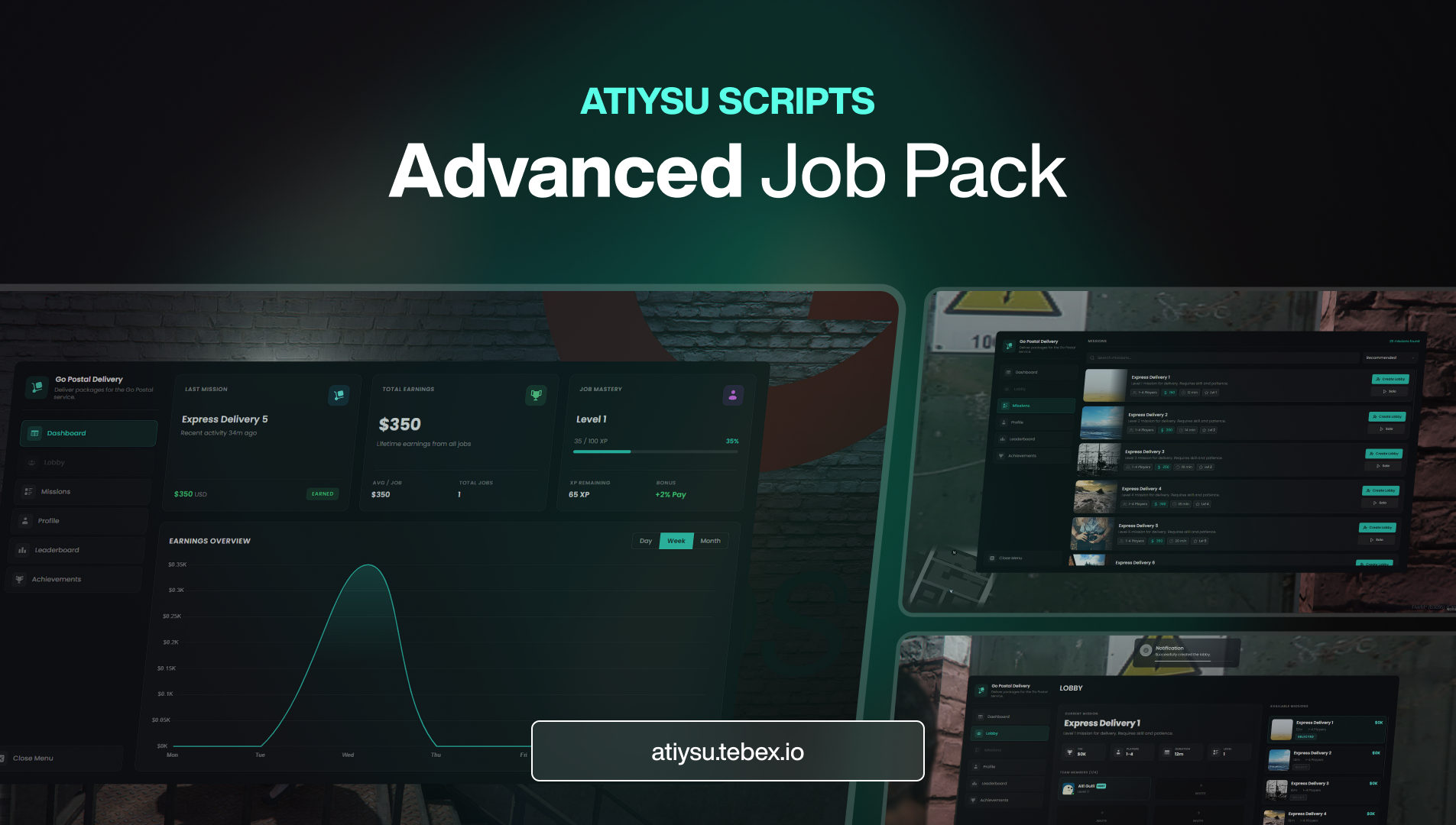
Building each job from scratch is the most reliable way to end up with three jobs and a to-do list. A job pack gives you a set that already share a code base, a config style and a balance baseline, which means adding the fourth job is a config edit rather than a project. Our FiveM Advanced Job Pack is built that way and detects QBCore and ESX automatically; individual jobs such as the Fishing & Diving Job, Bus Job and House Cleaner Job follow the same structure if you would rather add them one at a time.
Where to go next
Jobs pair naturally with vehicles and a place to store them — see how to add a garage to FiveM. If jobs are the first thing you are adding to a fresh server, the setup guide covers what should already be running.
Every ATY script ships with its own setup page in the documentation, and delivery is automatic through Cfx.re Keymaster the moment payment clears. Browse the full catalogue in the store, or open a ticket in our Discord if you get stuck — you talk to the developers who wrote the code.
Producto de este artículo
How to Add Jobs to FiveM